Teo
Downloading Teo
The download starts by itself. Did not start? Press the button.
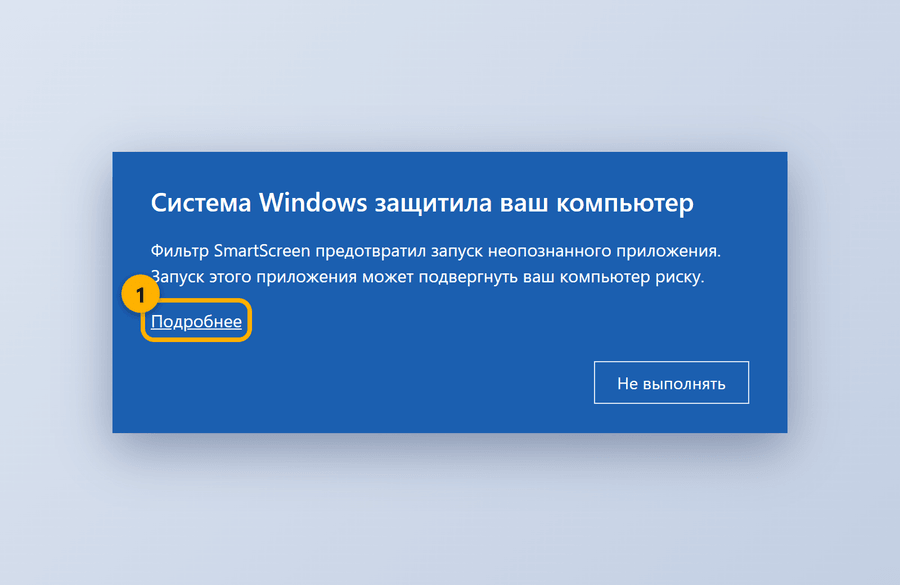
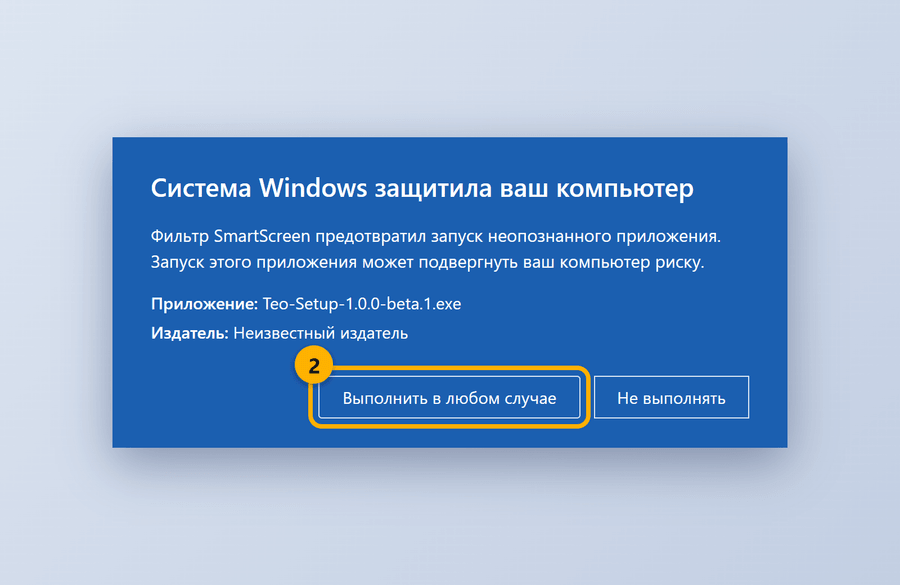
Windows will show a warning. This is normal. Follow three steps.
Open the downloaded file. Click "More info".
Click "Run anyway".
Wait for the install to finish. Teo opens by itself.
The warning appears because the installer has no paid signature yet. The file is genuine.